

Orientation
With the swisstopo app, you always know where you are and don't lose your orientation. Your own position is displayed directly on the maps or aerial photographs. The coordinates and elevation data of the current location are always known. By searching for places, addresses, or coordinates, any destination can be found quickly. Discover even the remotest places in Switzerland with high quality maps.
Location
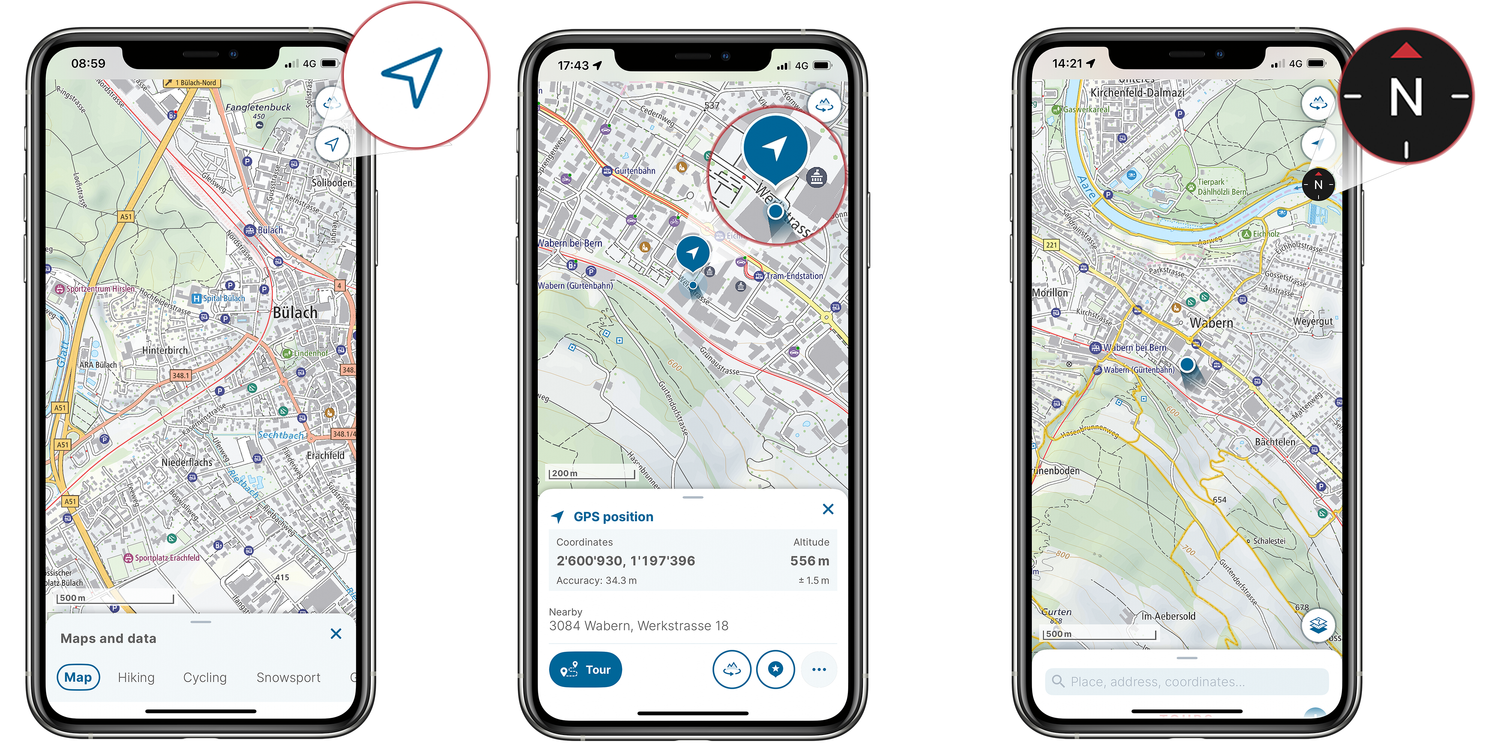
To display your location, tap once on the location icon (iOS: arrow icon, Android: target icon). The icon will turn blue and your device will use its GPS function to display your location as a blue dot on the map.
Tap the blue dot to obtain information about your location, such as its coordinates, altitude and address.
To align the map with the device's direction, tap the location icon once more. This will display the additional compass function and your device will show you which way is north.
To stop aligning the map, tap the location icon again.
Search
Use the search field to search for place names, addresses, coordinates, saved markers, POIs and tours. Suggestions appear as you type. Quick categories and a search history are also available.
The search history stores the last 30 searches. Individual entries cannot be deleted.
Select a search result. It is displayed on the map and marked with a blue information button. If the search result is a POI, the map background automatically switches to the Base Map. You can then change the map background to your preference in the menu under “Map overview”.
The menu shows the name, coordinates and elevation as well as various functions for the selected location.

Tip: If you wish to be able to search for places and addresses even while offline, download the «Geographic names» and «Addresses» data sets under «Offline maps».
Markers
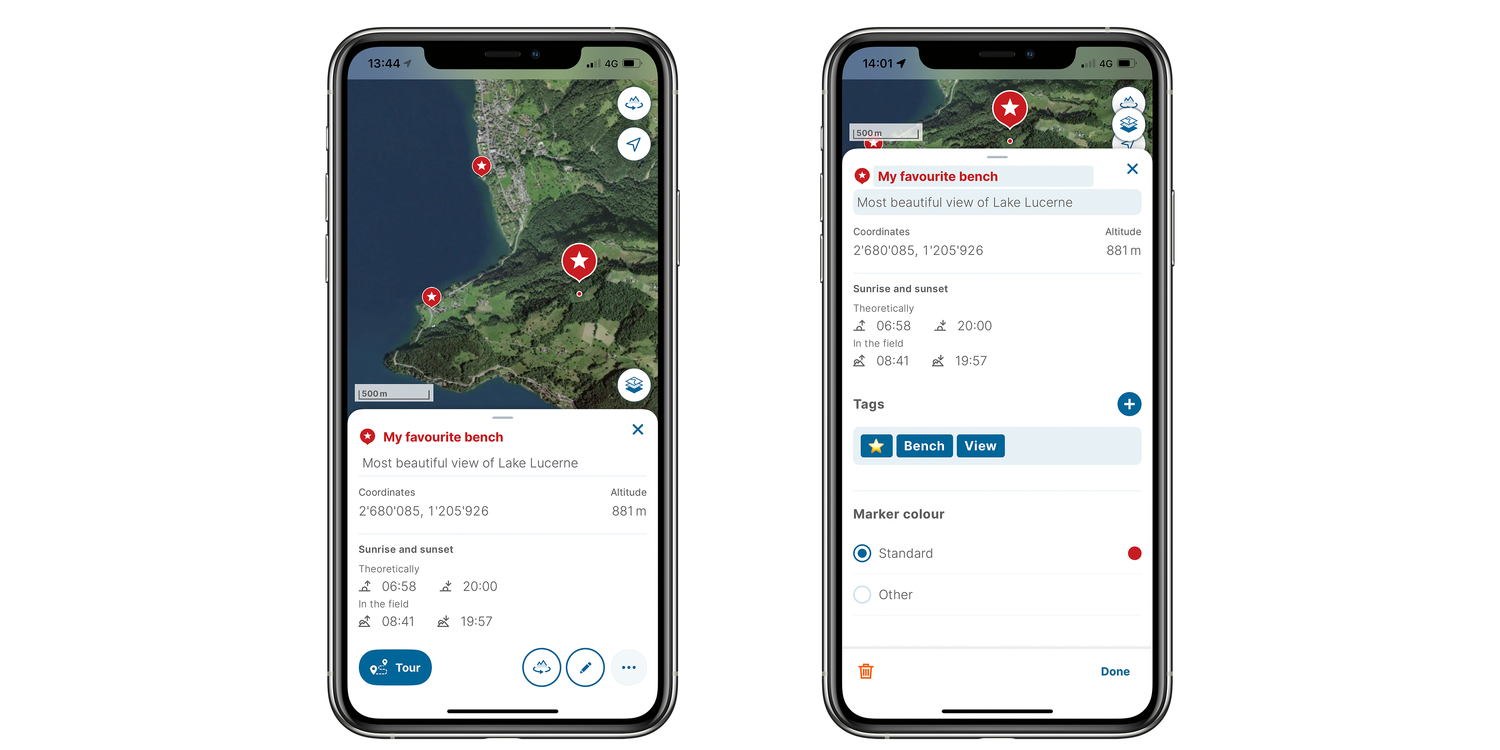
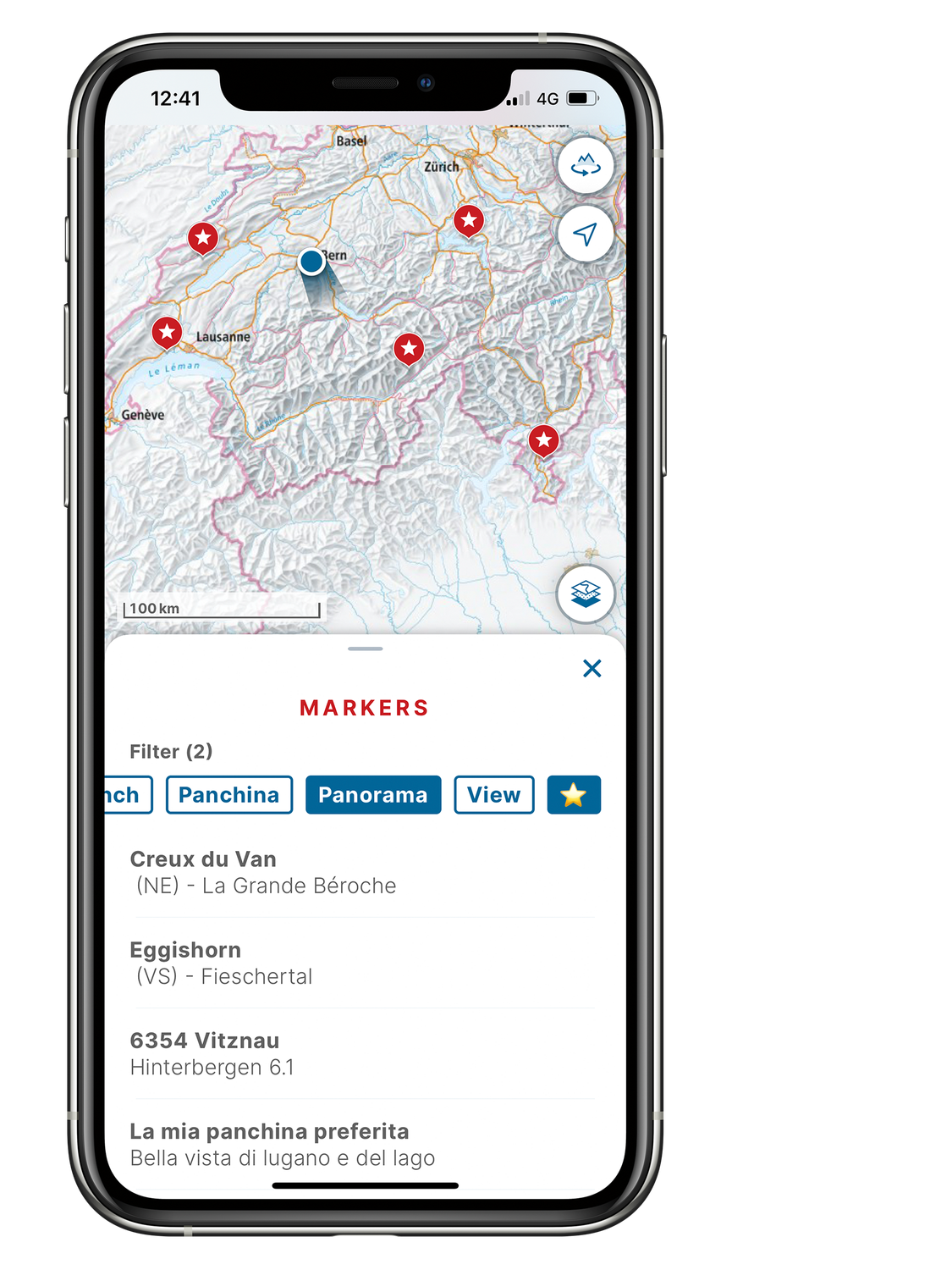
To save a place, you can set a marker. Select the desired location by long pressing it on the map. In the information window for the location, tap the star icon and the marker menu will open. Here, you can name the marker, enter text, set the marker colour and add tags. Incidentally, you can add markers even while offline.
Do you have any further questions? Here is an overview of the most frequently asked questions about the swisstopo app.
Federal Office of Topography swisstopo
Seftigenstrasse 264
3084 Wabern