

New features in the 3D view of map.geo.admin.ch
The 3D view of the map.geo.admin.ch map viewer has some new features: the terrain model is now much more detailed, and 3D buildings have been improved.
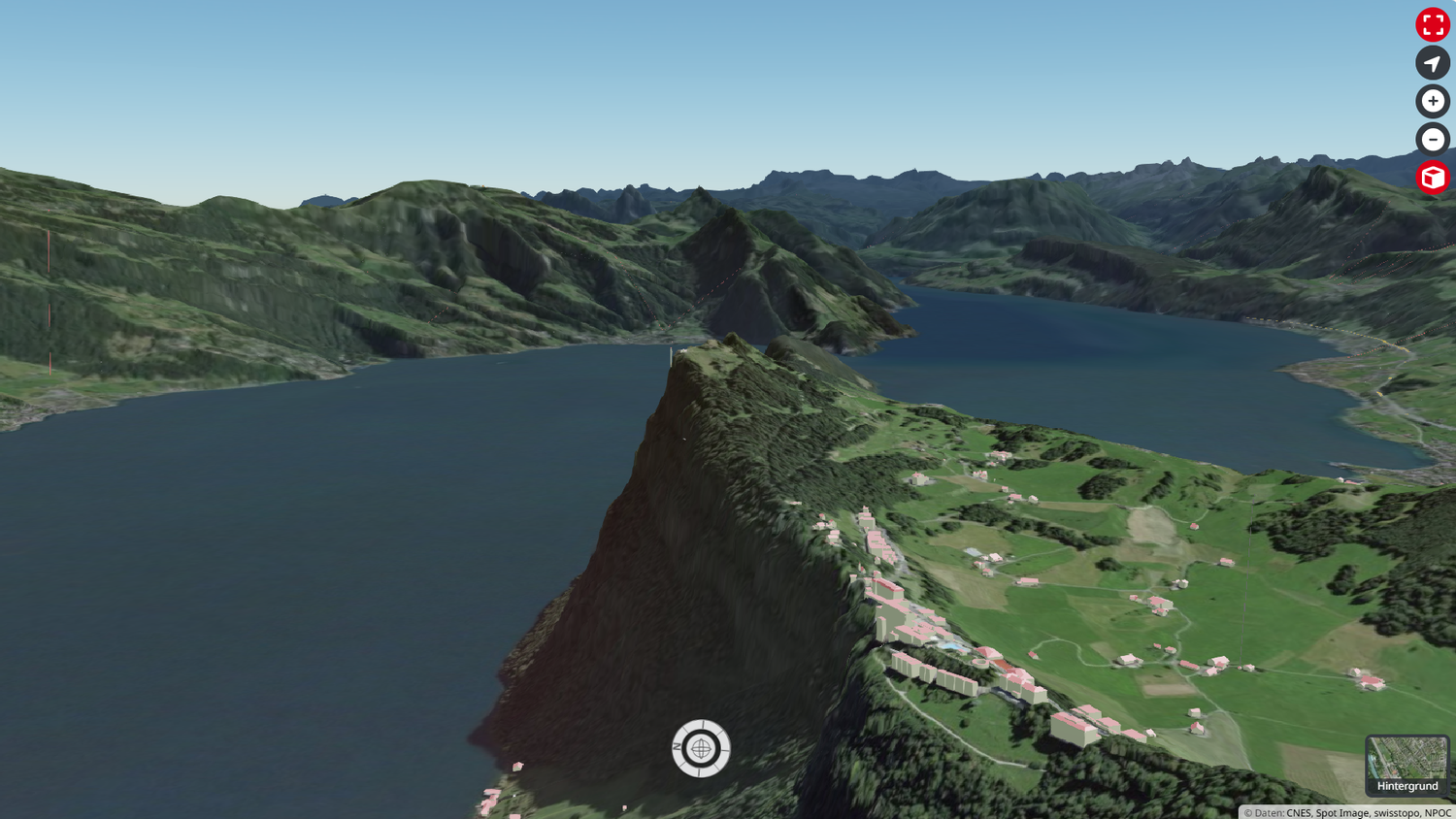
Activate 3D view
Fly over the Alps, view your neighborhood from every angle, or identify the steepest sections of your next hike—the 3D view on map.geo.admin.ch lets you do it all. To activate it, simply click on the cube to the right of the navigation window. Detailed instructions are available here.
In recent months, considerable efforts have been made behind the scenes to improve the core data for the 3D view.
Terrain
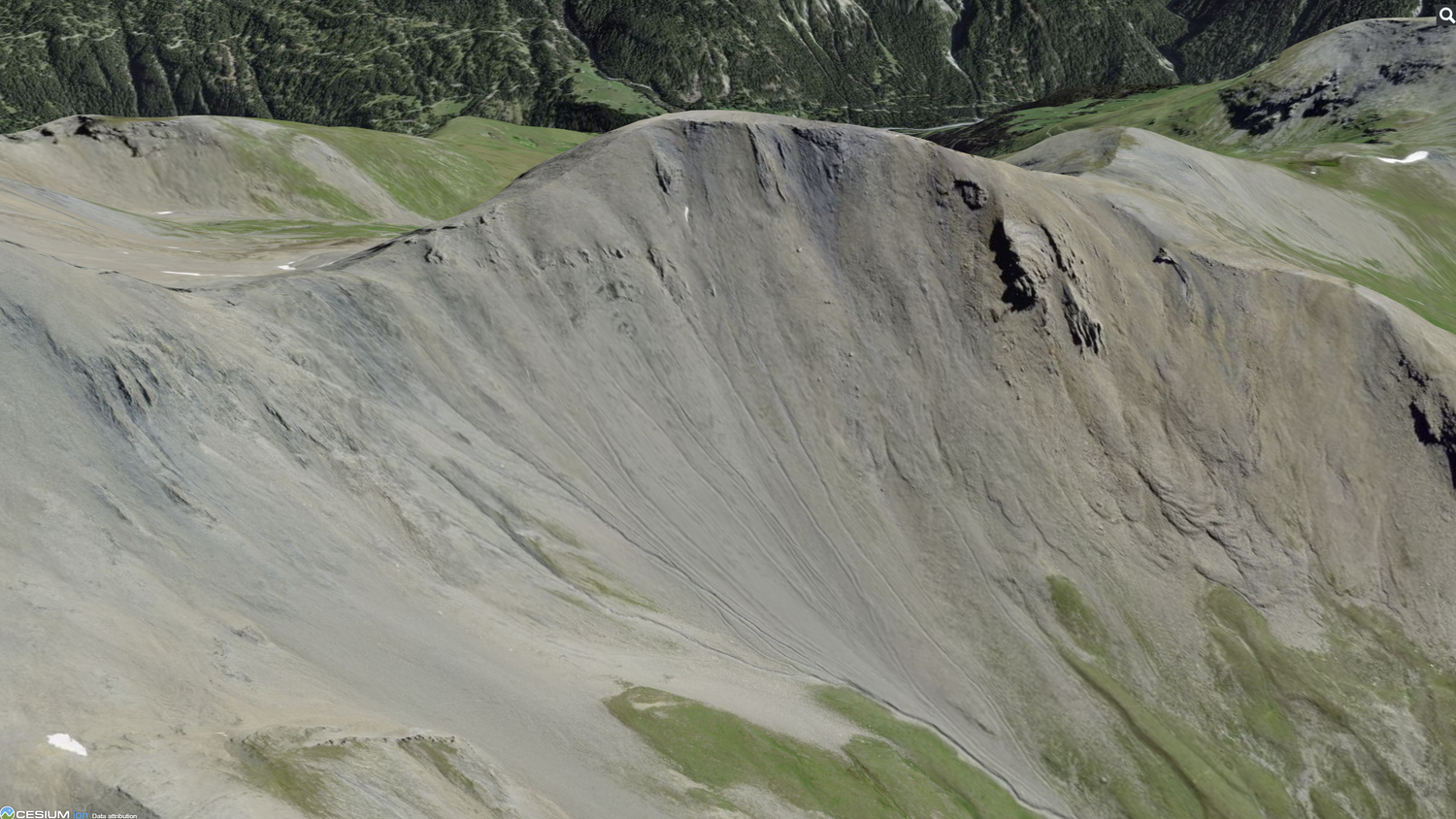
Terrain is the heart of the 3D view. It models the topography (mountains, valleys, plains) and gives the effect of depth and relief in the 3D environment. In May 2025, we updated it completely. This had not been done for five years. A new processing chain was set up to transform the swissALTI3D digital elevation model into the appropriate format ("Cesium Quantized Mesh"). The new terrain features an unprecedented degree of detail, particularly in areas above 2,000m where swissALTI3Dhas been greatly improved by the latest LIDAR campaigns.

3D buildings
The 3D view of map.geo.admin.ch displays three-dimensional building models for the whole of Switzerland, taken from the swissBUILDINGS3D dataset. On the production side, a great deal of work is currently being done to improve the dataset: the Federal Building Identifier (EGID) and cadastral survey footprints are gradually being integrated, and new attributes, such as roof heights, are being added. These improvements are now also visible in the 3D mode of map.geo.admin.ch.
Buildings are now more detailed.
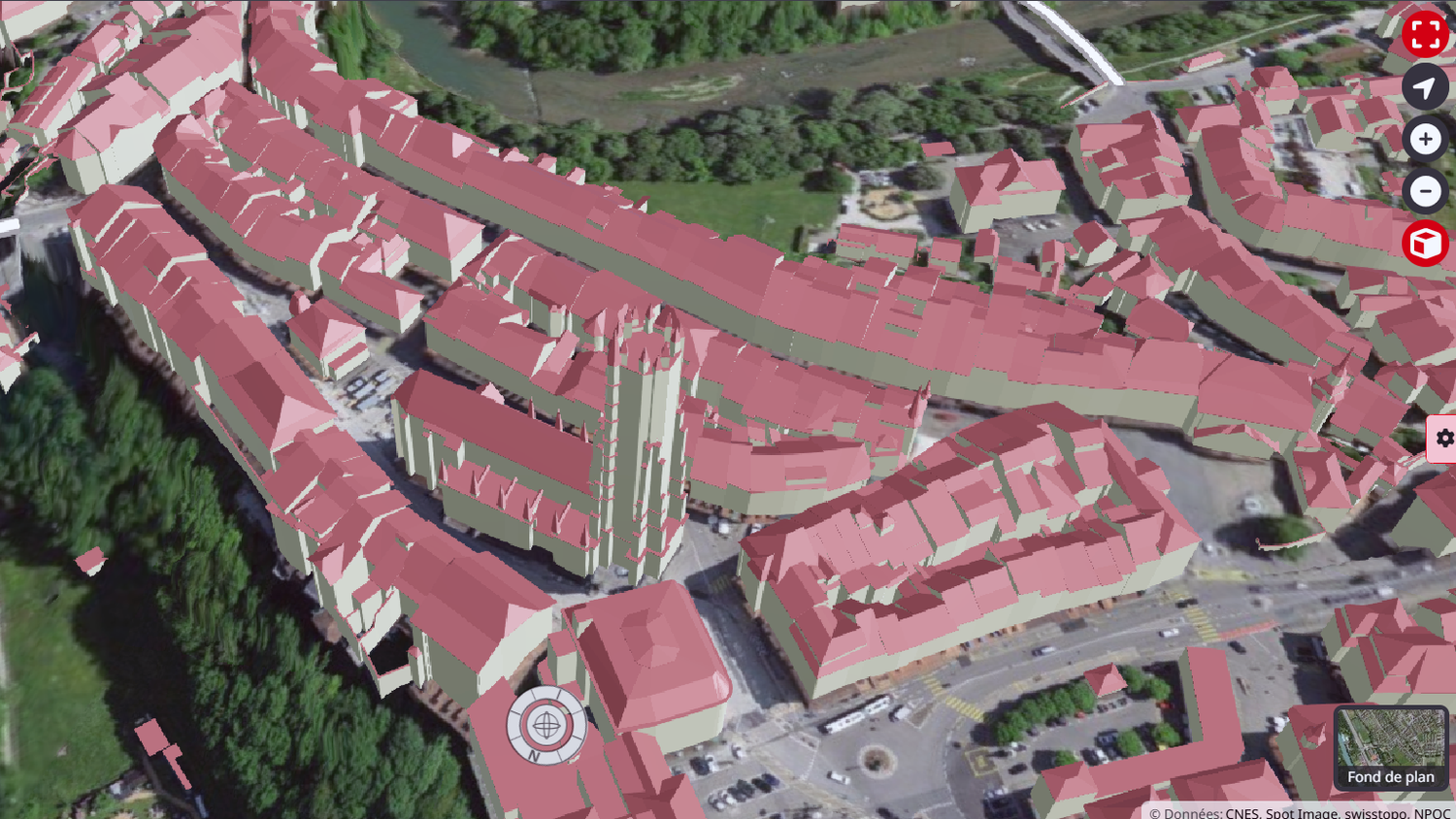

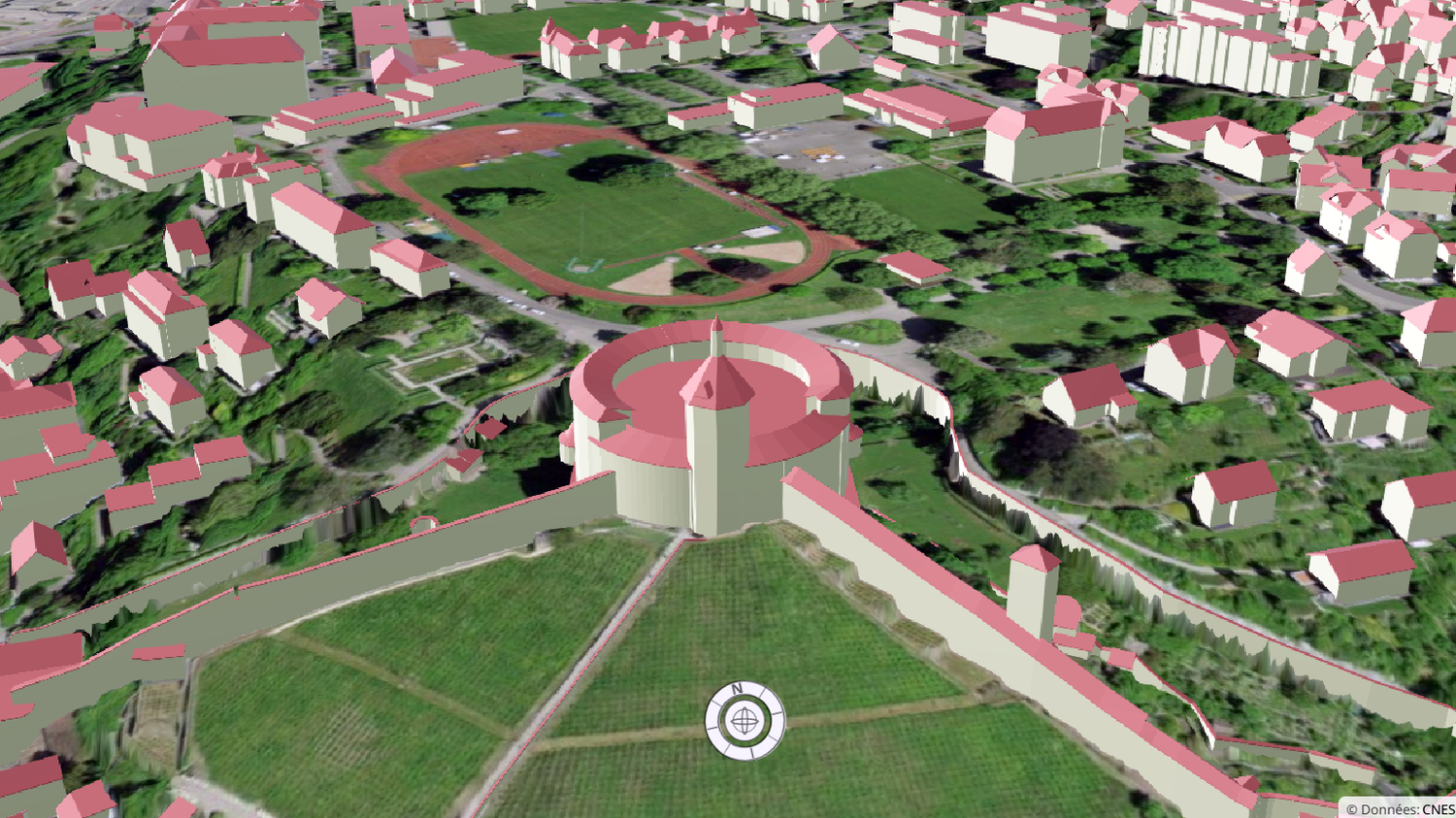
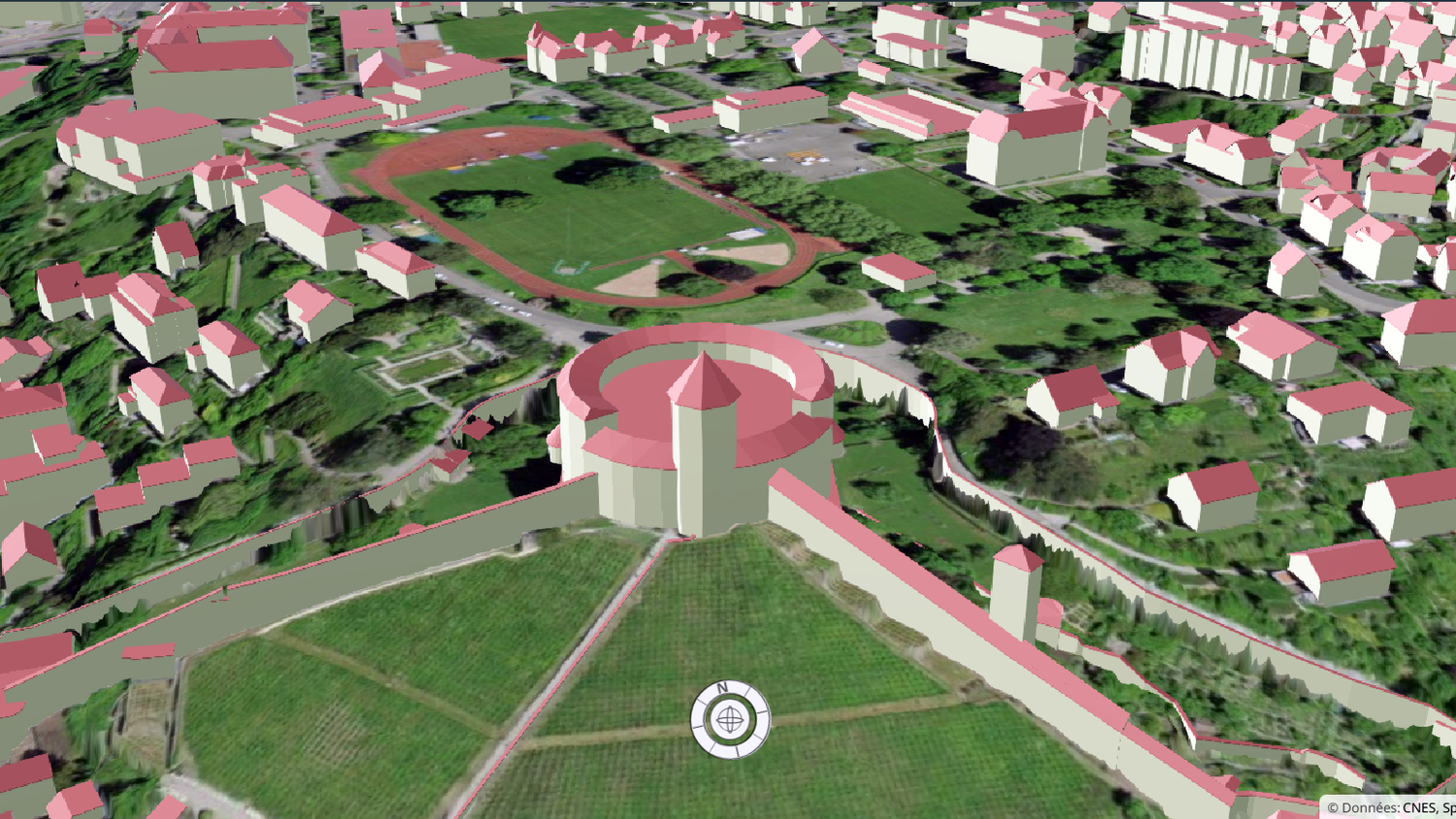
Information on each building is now displayed by clicking on it.
Please note that these enhancements are only available in cantons where EGID integration work has been completed. To find out more, visit swissBUILDINGS3D 3.0 Beta . The “Buildings and constructions” layer is updated a few weeks after publication of the new swissBUILDINGS3Ddata, usually twice a year.
Activate / Deactivate 3D layers
It is now possible to individually activate or deactivate the 3D layers “Geographical names”, “Vegetation”, “Buildings and constructions”. This allows you to adjust your views and adapt them to the performance of your device. Indeed, the 3D view requires good graphics performance. For this reason, the “Vegetation” layer is deactivated by default. Another new feature is that the aerial image (orthophoto) can be selected directly as the background.
If you have any specific questions or suggestions concerning the 3D view or our geographical data in general, please don't hesitate to contact us at geodata@swisstopo.ch . You can also stay informed by subscribing to the Geodata Newsletter.