

Maps and data
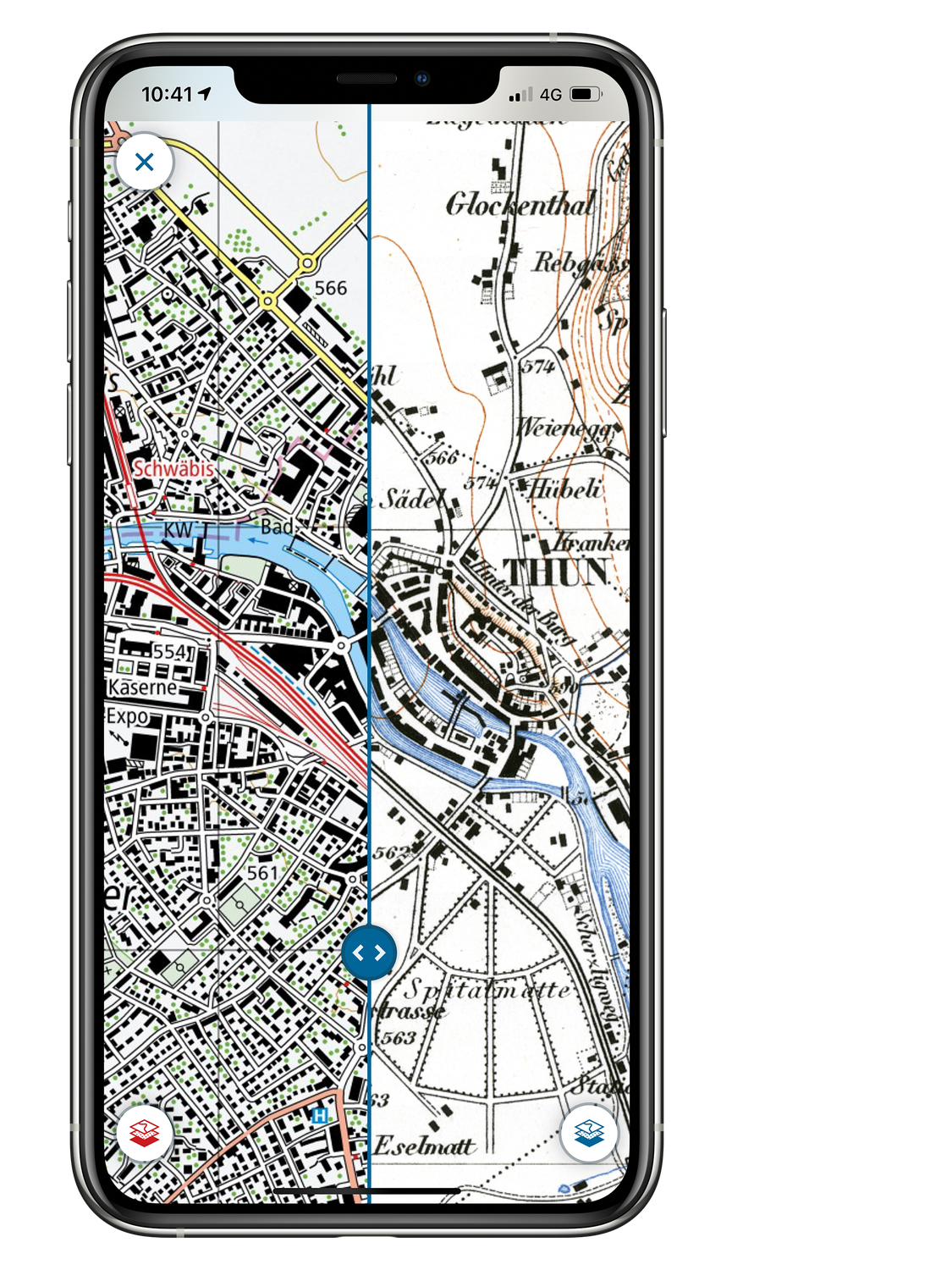
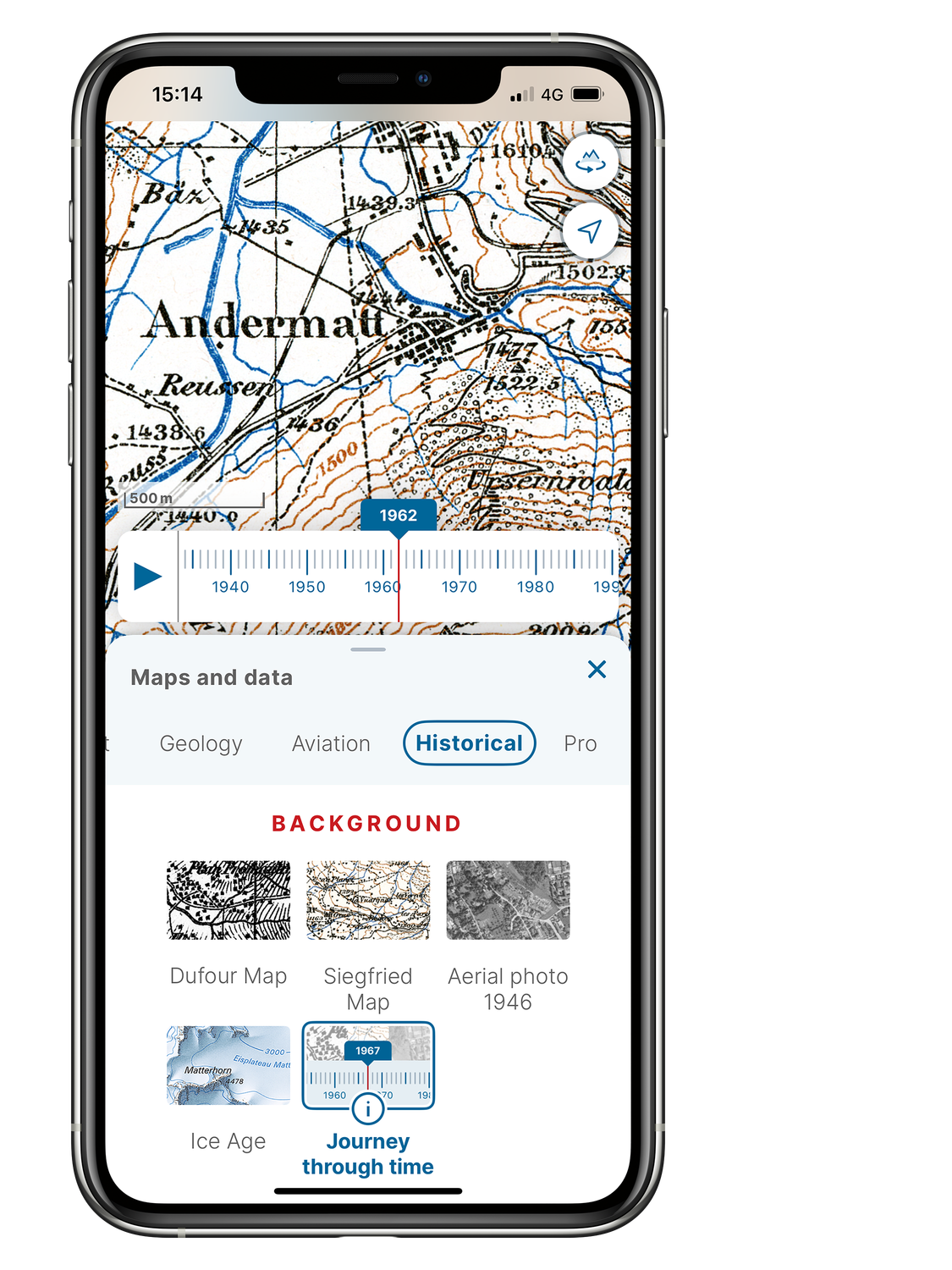
The swisstopo app shows all National Maps of Switzerland, aerial photographs, aeronautical charts, geological and historical maps from swisstopo. These maps have supplements with numerous additional information relating to hiking, cycling, snow sports, geology and aviation. You can find more detailed information about the content here: Contents and functions of the swisstopo app
Setting up a map
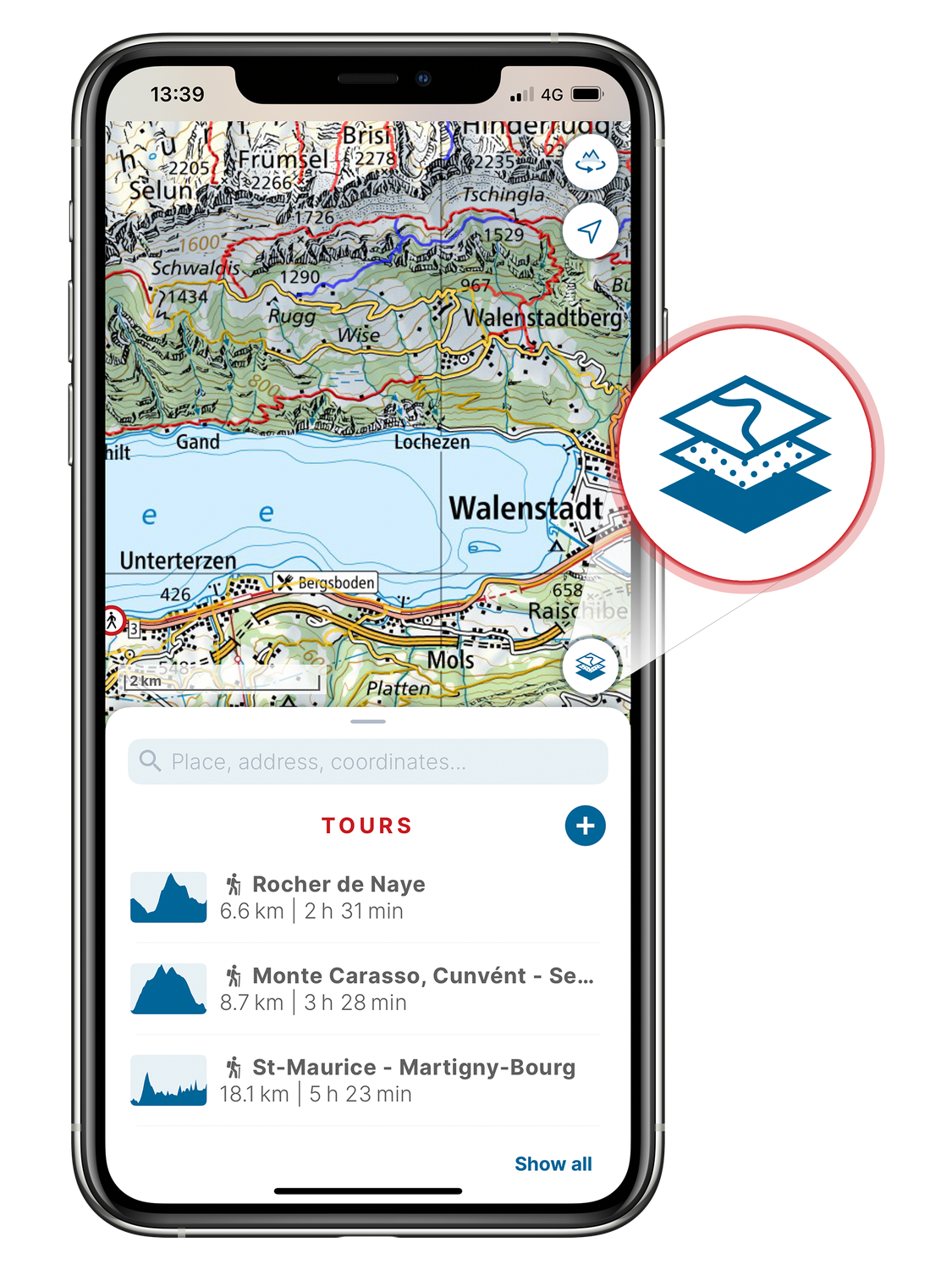
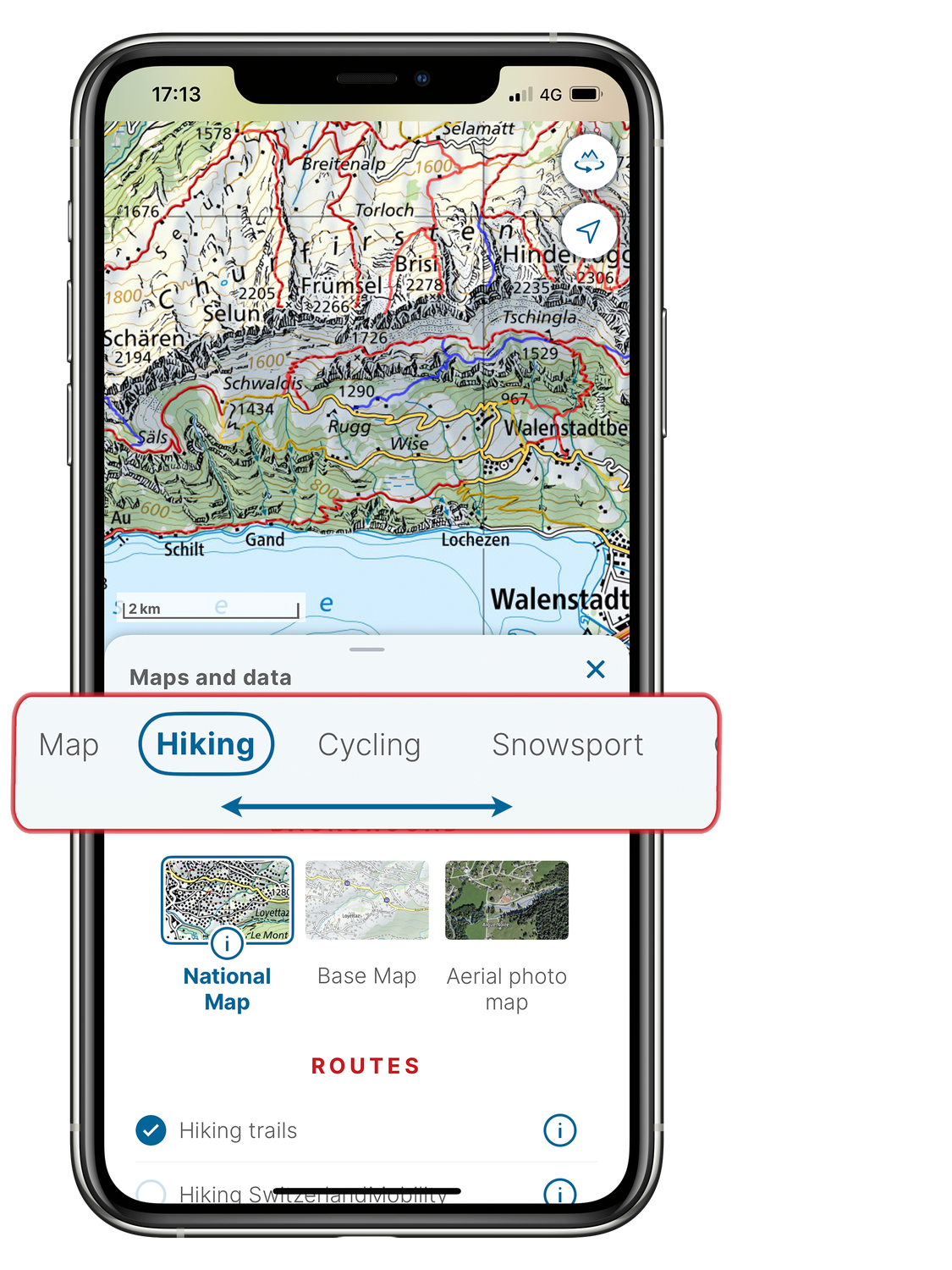
• Hiking
• Cycling
• Snowsport
• Geology
• Aviation
• Historical
The key layers are already selected by default. For instance, hiking trails and path closures are displayed by default, along with the national map as the background.
Under the «Pro» keyword in the «Maps and data» menu, all content in the swisstopo app is shown in a menu. You can also choose to set transparency for the overlaid routes and information.
The «i» information icon provides you with a more detailed description of the data shown for the relevant background, route or information layers.
Do you have any further questions? Here is an overview of the most frequently asked questions about the swisstopo app.
Federal Office of Topography swisstopo
Seftigenstrasse 264
3084 Wabern